

Alex
-
Posts
101 -
Joined
-
Last visited
-
Days Won
21
Alex's Achievements






-
 I plugged this into an AI assistant... here's the response: A few things to check that solve this problem surprisingly often: 1. Make sure you're following the startup order Turn on the drone first. Turn on the controller. Move the left stick up, then down to bind the controller. Wait 20-30 seconds for the drone's Wi-Fi network to begin broadcasting. Then connect your phone to the drone's Wi-Fi before opening the SJRC app. 2. Can you actually see the drone's Wi-Fi network? If the Wi-Fi network doesn't appear in your phone's Wi-Fi list at all, that's different from seeing it but not being able to connect. Let us know which is happening. 3. What phone are you using? The SJRC F11 4K Pro uses 5 GHz Wi-Fi, so older phones that only support 2.4 GHz won't connect. If possible, try another newer Android phone or iPhone to rule out a compatibility issue. 4. Disable mobile data and VPN Several owners have found that turning off mobile data, disabling any VPN, and even enabling Airplane Mode (then turning Wi-Fi back on) allows the app to connect correctly. Some phones will otherwise switch away from the drone's Wi-Fi because it has no internet access. 5. Forget the network and reconnect If you've connected before: Forget the drone's Wi-Fi network. Restart the drone and your phone. Reconnect from scratch before opening the app. 6. Has the drone ever connected before? If it worked previously and suddenly stopped after a crash or firmware update, that points toward a hardware or firmware issue rather than setup. Some users have fixed Wi-Fi issues with firmware updates, although I'd only install firmware obtained from an official SJRC source if available. Could you let us know: Which phone (make/model) you're using? Android or iPhone? Does the drone's Wi-Fi SSID appear in your Wi-Fi list? Can the controller bind to the drone and start the motors, or is nothing pairing at all? Those answers will narrow it down pretty quickly.
 -
what are you looking for?
-
Welcome!
- 1 reply
-
- 1
-

-
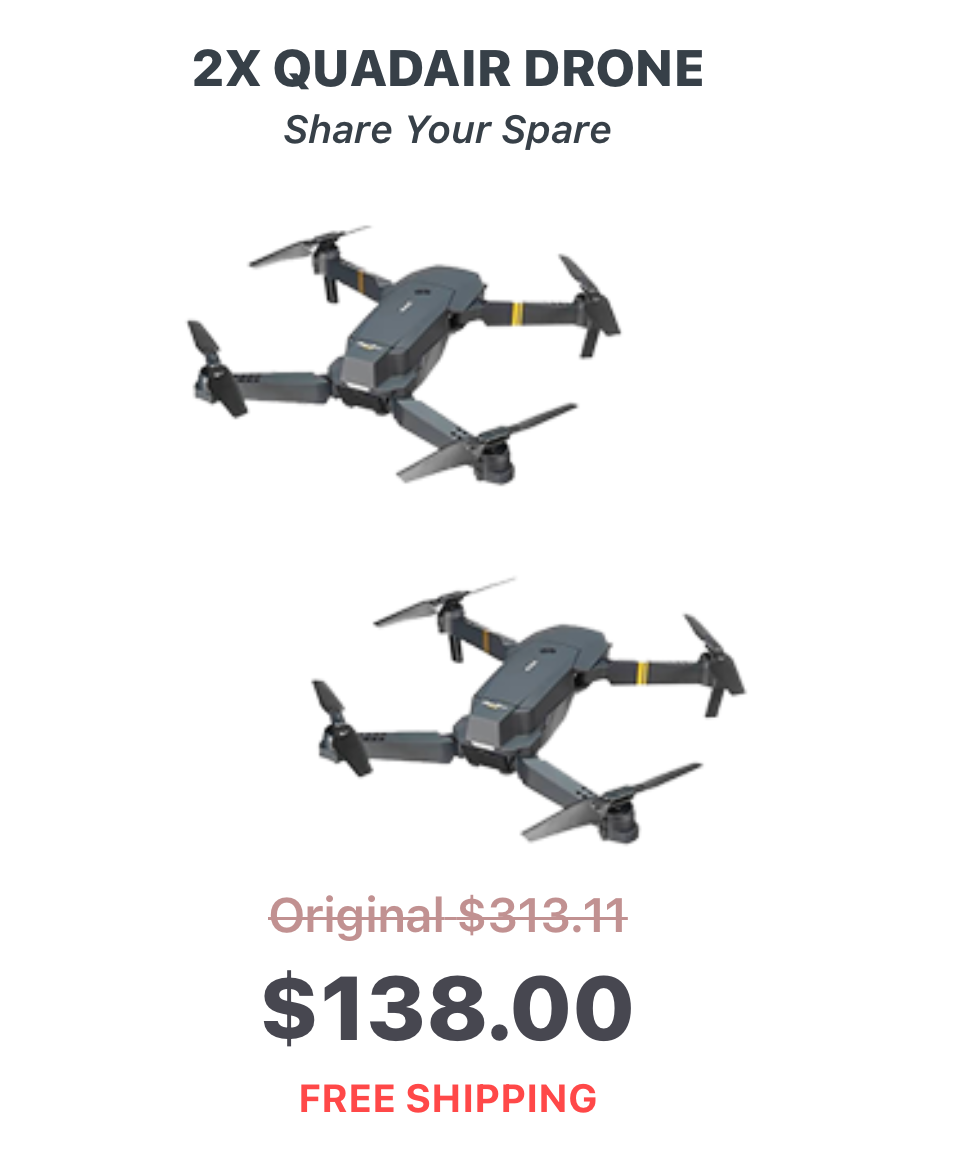
Has anyone seen or bought these Quadair drones?

-
What's the best drone under $200?
Alex replied to dronemaniac's topic in Getting Started Flying RC Drones
You can check out https://www.consumerpicks.org/top5/drones-under-200 although that dji is more than $200, so not sure how that got on the list. -
Nice!
-
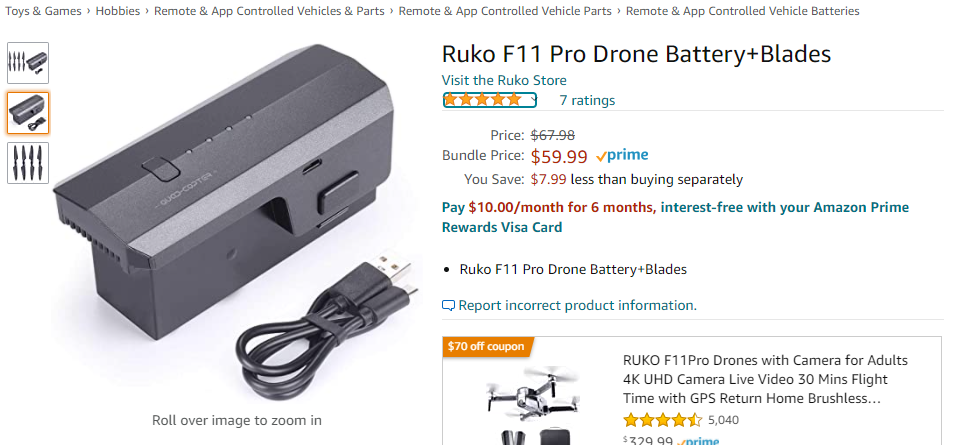
So you fished it out of the water? How deep? Is the battery the only casualty? Is this the battery: Ruko F11/F11Pro Drone Battery 11.1V 2500mAh/27.75Wh Li-po Rechargeable Battery and USB Cable for F11/F11Pro RC Quadcopter Drone Black F11 Battery with blades: Ruko F11 Pro Drone Battery+Blades
-
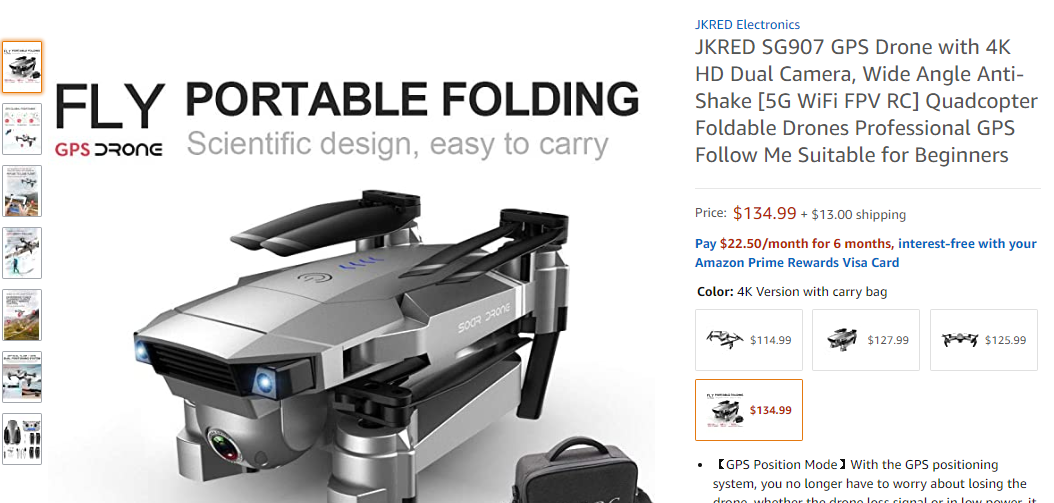
Looks like an nice inexpensive drone. For anyone else interested, check out the video:
-
DJI’s latest industrial drone has 55 minute flight time
Alex posted a topic in RC Drone Product News
DJI took the wraps off its latest drone today. Targeting industrial users, the Matrice 300 builds on the company’s Matrice platform, and sports a host of improvements from longer battery life, object detection sensors on all six sides and a 15 km video transmission range. The Matrice line has long been DJI’s all-in-one industrial product offering. These models are much larger and more utilitarian than its consumer or prosumer line and feature capabilities than align with those markets. Where consumers use drones for photography, industries and public service operations are increasingly looking to drones to gather data. The Matrice 300 is designed for data collection and aerial surveys. The drone is available with two different camera modules. The H20 features a 20MP camera with a 23x hybrid optical zoom, a 12MP wide-angle camera, and a laser range finder that can read distances from 3m to 1200m. The H20T adds a radiometric thermal camera to the sensor array, giving the drone additional functions. Integrated functions give the drone automated features such as the ability to automate routine photos — just mark the item on the controller’s screen, and when instructed, the drone will return to the area and take another photo of the object in the same location and angle. Other functions include the ability to track items while they’re moving. Like some of DJI’s other high-end drones, the Matrice 300 has a dual operator mode allowing two people to control the drone. Or, if needed, operators can switch control to another pilot located on the other end of the Matrice 300’s range, which should dramatically improve its range and safety. DJI stuffed this latest drone with additional improvements. Collision detection sensors are located on all six sides of the drone giving it 360 degrees of protection. A new controller ships with the Matrice 300, too, that’s loaded with updated flight software that appears to improve pilot control. Battery life is greatly improved too. DJI says the Matrice 300 has a flight time of 55 minutes, which is up from the Matrice 200’s 38-minute battery life and the 27-minute life found on the prosumer Inspire 2. Dual batteries power the device and allow for hot-swapping packs while the drone is on the ground, but not powered off. Pricing wasn’t released. The Matrice 300 will ship from DJI dealers in the second half of 2020. Source: https://techcrunch.com/2020/05/07/djis-latest-industrial-drone-has-55-minute-flight-time-15-km-video-range/ -
Eachine E511s Loosing Calibration
Alex replied to johnn1127's topic in Getting Started Flying RC Drones
Not really sure, but its an interesting drone. Any software updates? Are you following the calibration like in this video: -
That's a good price considering its $439 on the DJI site for the fly more combo.
-
Nice! I haven't looked, what are they going for on ebay? On the DJI site the refurbs are $259 https://store.dji.com/product/spark-refurbished-unit?from=pages-refurbished&vid=42141
-
Just curious, did you uever recover it?
-
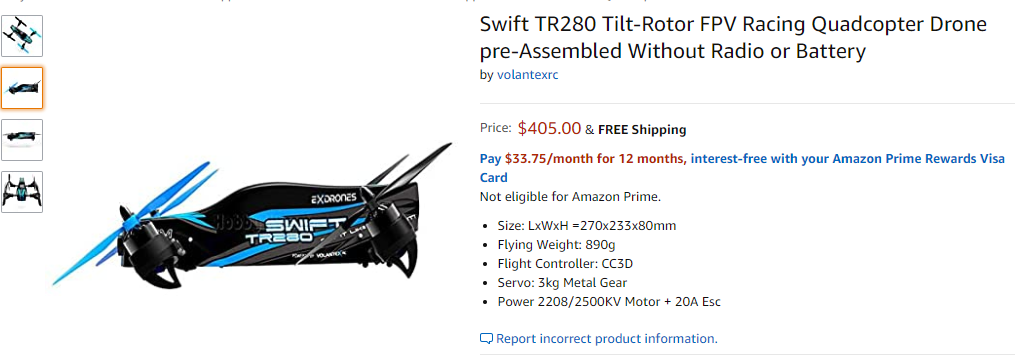
Welcome, looks like a nice drone, on Amazon they only sell it without the raio or battery it looks like Ebay its cheaper: https://www.ebay.com/i/184165387872?chn=ps&norover=1&mkevt=1&mkrid=711-117182-37290-0&mkcid=2&itemid=184165387872&targetid=882887725827&device=c&mktype=pla&googleloc=9004212&poi=&campaignid=6469750705&mkgroupid=89041169916&rlsatarget=aud-622027676388:pla-882887725827&abcId=1141176&merchantid=6296724&gclid=CjwKCAjw1cX0BRBmEiwAy9tKHqrR1EFG8CM0F8HloKP6M_XMRsYPWhjr8qgLQ5idi90g7ikcBvMdNRoC9_QQAvD_BwE Here' a video for anyone not familiar (like me)
-
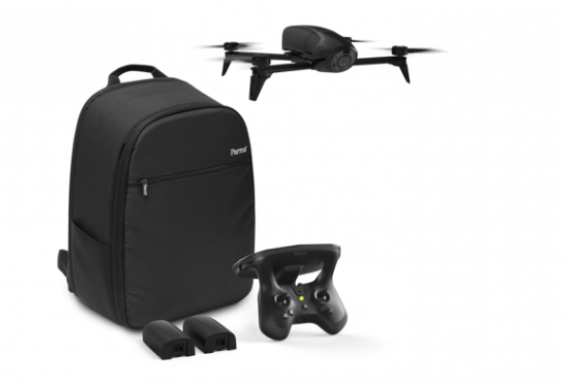
Does anyone have Parrot Bebop-Pro 3D Modeling, All-in-One Drone Solution? Sells for $499 on Amazon Parrot Bebop-Pro 3D Modeling is the all-in-one drone solution for architects, building professionals and real estate agencies to easily create photorealistic 3D models, photos and videos of houses and buildings. This multipurpose tool is a unique combination of Parrot Bebop 2 Power and the Pix4Dmodel software solution, enabling building professionals to quickly and easily assess the work to be carried out. With this solution they can draft new projects and promote their properties on the web.